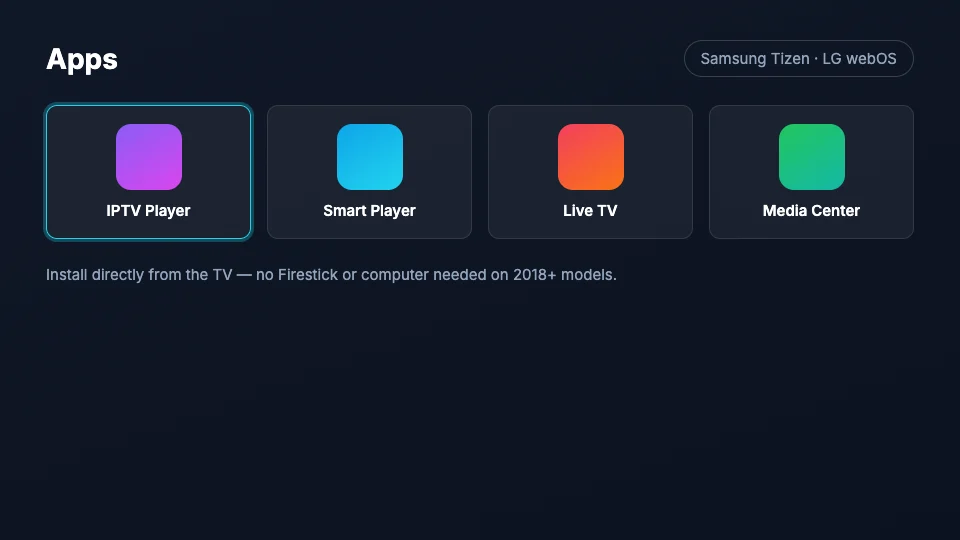
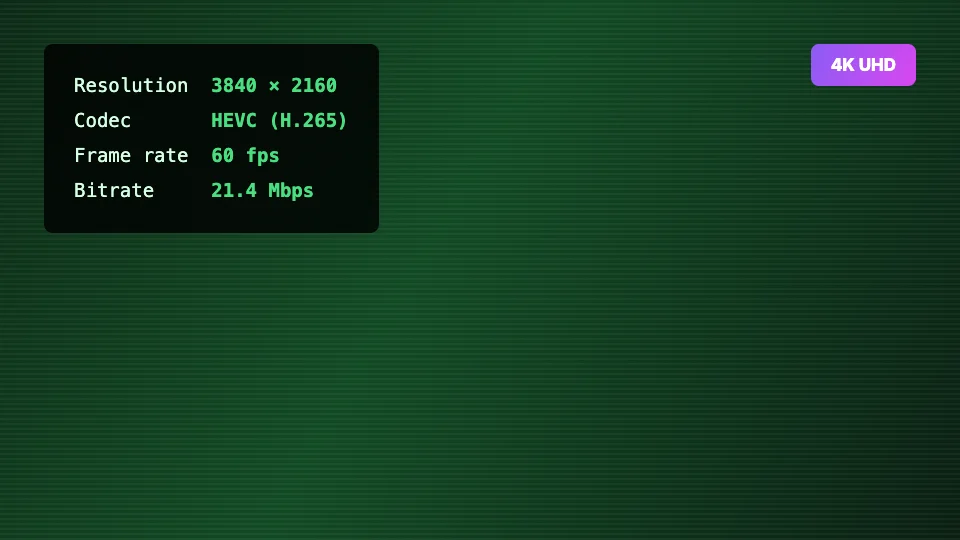
If your Samsung or LG TV is from 2018 or later, you don't need any external device — the TV's own app store carries Xtream-compatible IPTV players, and the built-in decoder handles our HEVC 4K streams natively. One remote, no extra HDMI box, and the same login as every other device on your plan.
≈ 5 minutes 6 steps
Samsung & LG Smart TV
Before you start
Samsung (Tizen, 2018+) or LG (webOS 4.0+) Smart TV
Your IPTV USA 4K credentials
The TV connected to the internet — wired if possible
No subscription yet? Start with the 24-hour free trial — the setup is identical.
1
Open your TV's app store
Samsung: press Home and open Apps. LG: press Home and open the LG Content Store. Both stores are on the TV itself — you never need a computer or USB stick for this setup.
2
Install an IPTV player app
Search the store for an Xtream-compatible IPTV player — your welcome email lists the ones we support on Tizen and webOS, all free to install. Install and open it.
3
Note the player's device ID (some apps)
Some Smart TV players show a device ID / MAC and ask you to add your playlist at their activation website from a phone or computer. If yours does, the welcome email's Smart TV section walks that exact flow; if it shows a login form instead, skip to the next step.
4
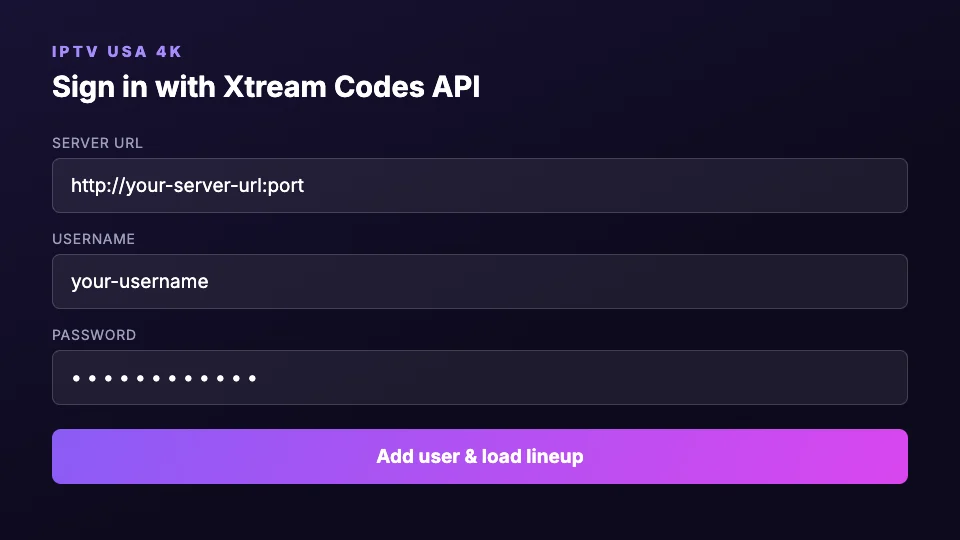
Enter your Xtream login
Choose Xtream Codes API login and enter the server URL, username and password from your welcome email. On TV keyboards it's worth typing slowly — a trailing space is the #1 cause of “invalid credentials” on Smart TVs.
5
Let the lineup sync, then set favorites
First sync of 22,000 channels and a 7-day EPG takes a minute or two on TV hardware. Once loaded, favorite your regulars — TV apps navigate favorites much faster than the full list.
6
Check the picture mode
For the 4K tier, put the TV in Filmmaker/Cinema mode and disable heavy motion smoothing for sport. Samsung: Settings → Picture. LG: Settings → Picture → Select Mode. Native 2160p content needs no “AI upscaling” — turn it off if the TV allows.
Wired beats wireless on TVs
Smart TV Wi-Fi radios are usually the weakest in the house. The ethernet port on the back handles sustained 4K bitrates far more reliably.
TV from before 2018?
Older Tizen/webOS versions can't run modern players well. A $40 Firestick 4K in the TV's HDMI port is the cheaper fix versus fighting an outdated app store — our Firestick guide covers it.
Samsung & LG Smart TV questions
Can I run IPTV on a Samsung TV without a Firestick?+
Yes. Samsung TVs from 2018 onward run Xtream-compatible IPTV players directly from the Tizen app store. You install the player on the TV, sign in with your subscription credentials, and stream natively — no external hardware. The same applies to LG TVs on webOS 4.0 or later.
Do Samsung and LG TVs support the 4K tier?+
Any 4K Samsung or LG model from 2018+ decodes our HEVC Ultra HD streams in hardware. For the best result use the TV's ethernet port, set the picture mode to Filmmaker or Cinema, and open the channels marked 4K in the lineup.
The player app disappeared from my TV's store — what now?+
TV app stores occasionally rotate IPTV players in and out. Your login is player-independent: install any other Xtream-compatible player from the store (the welcome email lists current options) and enter the same credentials. Nothing about your subscription changes.