1
Open the App Store on Apple TV
From the tvOS home screen, open the App Store with your Apple ID signed in. IPTV players here are ordinary reviewed apps — no jailbreak or trick required.
Setup guide · Apple TV 4K
Apple TV 4K is the cleanest IPTV setup there is — no sideloading, no developer settings. You install a player straight from the official App Store, sign in with your credentials, and the A15 chip's hardware HEVC decoding makes it arguably the best 4K IPTV device money can buy.
Before you start
No subscription yet? Start with the 24-hour free trial — the setup is identical.
From the tvOS home screen, open the App Store with your Apple ID signed in. IPTV players here are ordinary reviewed apps — no jailbreak or trick required.
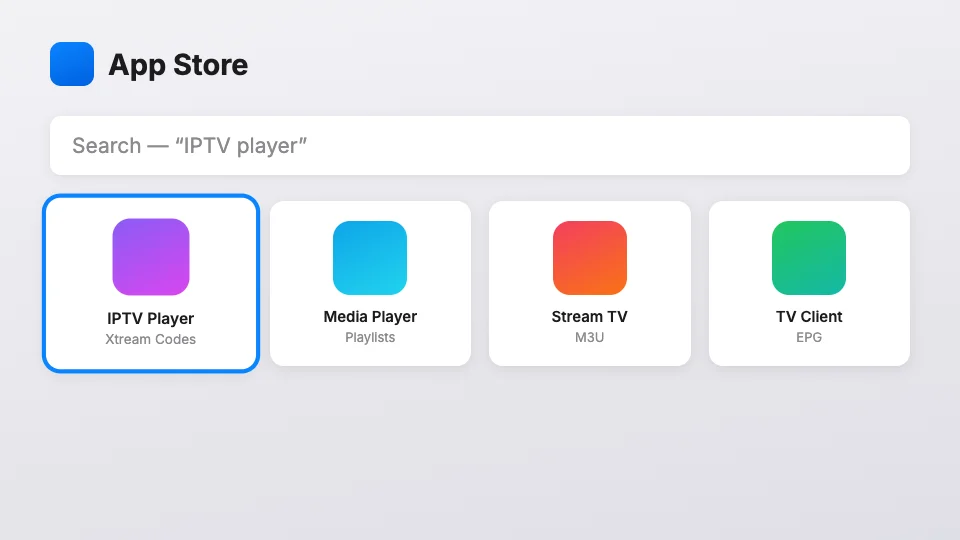
Search for an Xtream-compatible IPTV player (your welcome email names the two we support and test against, both free to install). Click Get and let it download — they're small apps, under 50 MB.
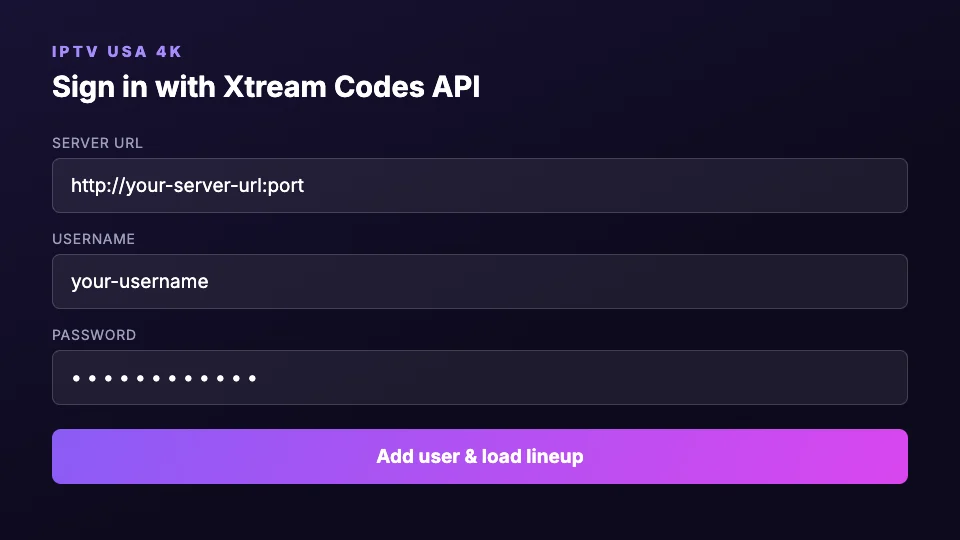
Open the player and pick “Xtream Codes API” as the connection type. This is the same protocol every page of your welcome email refers to — one login format across all your devices.
Type the server URL, username and password from your welcome email exactly — the tvOS keyboard is fussy, so double-check no space was auto-inserted at the end. Save the profile.
The channel list and EPG sync on first load — give it up to a minute. Long-press any channel to add it to favorites; the favorites row is much faster than scrolling 22,000 channels nightly.
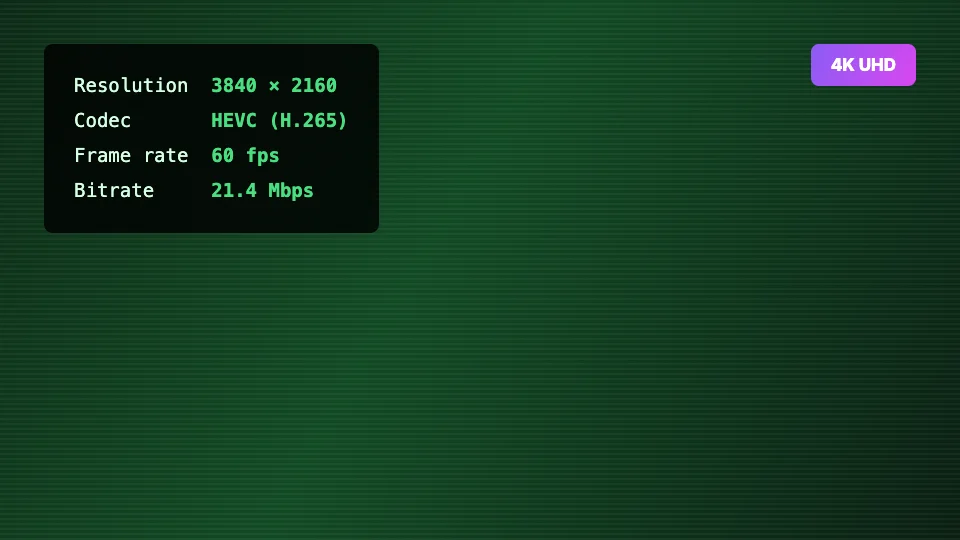
In tvOS Settings → Video and Audio, set format to 4K HDR (or 4K SDR if your TV lacks HDR). Then open a UHD-marked channel — the picture should be visibly sharper than the same channel's FHD feed.
Match frame rate
Turn ON Settings → Video and Audio → Match Content → Match Frame Rate. Sport at 60fps then plays at 60 instead of being resampled — motion looks dramatically better.
Use the Siri Remote's touchpad for the guide
Swiping the EPG beats clicking through it — the players support fast touch scrolling on tvOS.
Yes — that's the normal way. Xtream-compatible IPTV players are regular apps on the official tvOS App Store. You install one, enter your subscription credentials, and you're done. Jailbreaking an Apple TV for IPTV hasn't been necessary for years.
Every Apple TV 4K model (2017, 2021, 2022 and later) decodes 4K HEVC in hardware. The 2022+ models with the A15 chip are the smoothest with large channel lists. The older Apple TV HD (2015) works for the FHD tier but caps at 1080p output.
Check three places: tvOS Settings → Video and Audio must be set to a 4K format; the HDMI cable must be rated High Speed 18 Gbps+ in a 4K-capable TV port; and the channel itself must be a UHD feed — channels marked 4K in the lineup, not the standard versions.
Setting up a different device?